
Android game · Coming soon
Learn electronics by lighting your first LED in two minutes.
Voltvale is a game for complete beginners: short electronics and Arduino lessons, set in a village built on top of a circuit board.
Open circuit: no current flows, so the LED stays dark.
Join the Android testFree lessons · No email needed to start playing · About 2 minutes to your first lesson
The problem
Electronics looks hard because people usually start at the wrong end.
The usual way
- A page of formulas.
- An hour-long video.
- A shopping list of parts.
And the LED is still off.
Here
You start with the LED.
Tap the switch, current flows, the LED lights up. The why comes right after, when you actually want to know.
You meet Ohm's law when you really need it: to keep that LED alive. Get it wrong and you see what happens, then try again. Nothing burns on a phone.
Try it now
Light the LED without killing it
A 5 V battery, a red LED, one resistor. Drag the slider and watch the current. This is a real exercise from the first lesson, with the real math.
Resistance
68 Ω
Current
44.1 mA
Too much current: the LED overheats and gets damaged.
I = (5 V - 2 V) / 68 Ω = 44.1 mA
A red LED keeps about 2 V for itself. The remaining 3 V drop across the resistor, and Ohm's law gives you the current.
Resistor bands: blue, gray, black, gold
Inside the game
You don't watch. You touch.
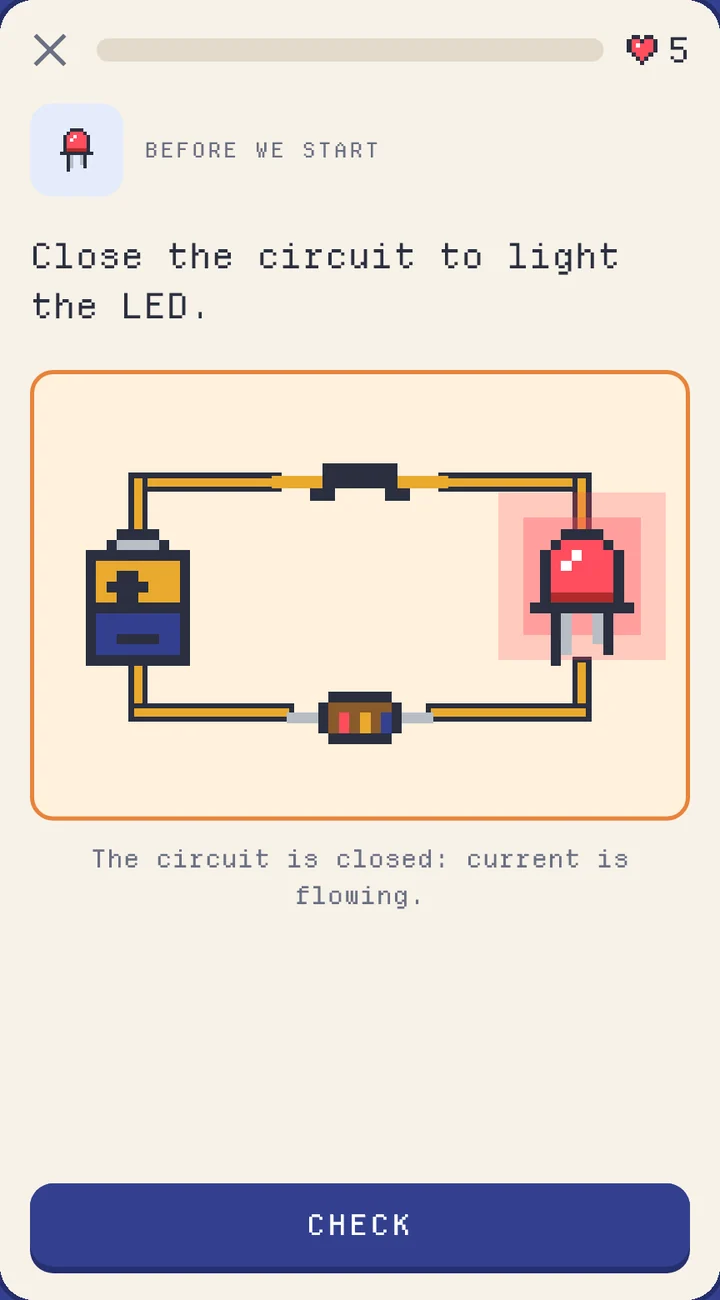
Circuits that respond
Open it, close it, change the values: the circuit reacts right away, and the LED tells you how it went.
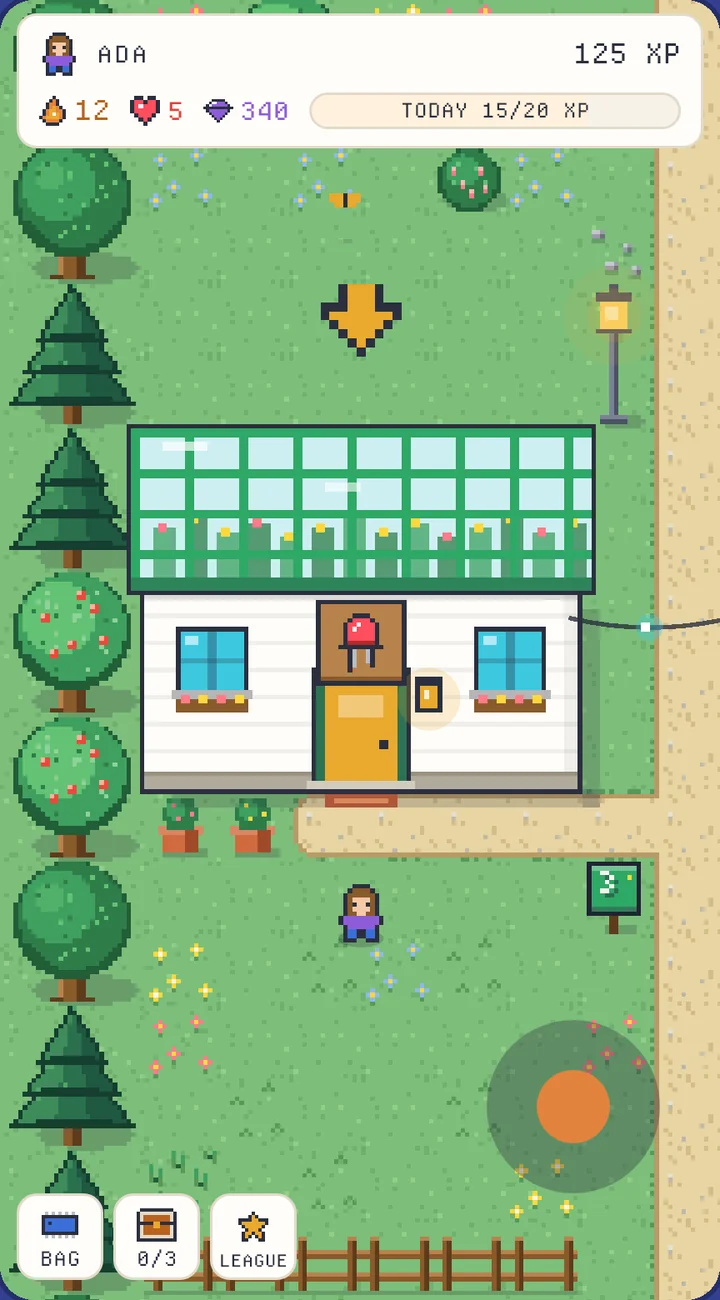
A village, not a menu
You walk to the lab and the lesson is waiting behind the door. Finish one lab and the next one opens.
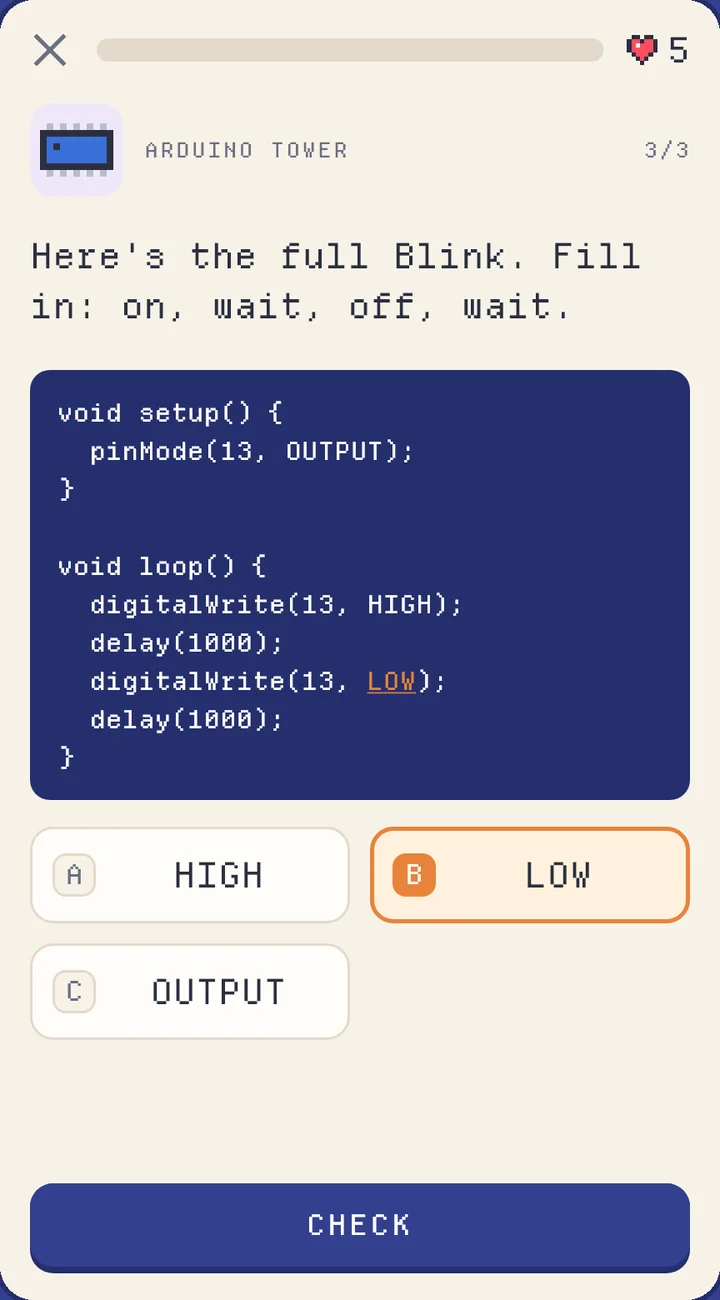
Your first program
You complete Blink piece by piece, in real code: setup, loop, digitalWrite, delay.
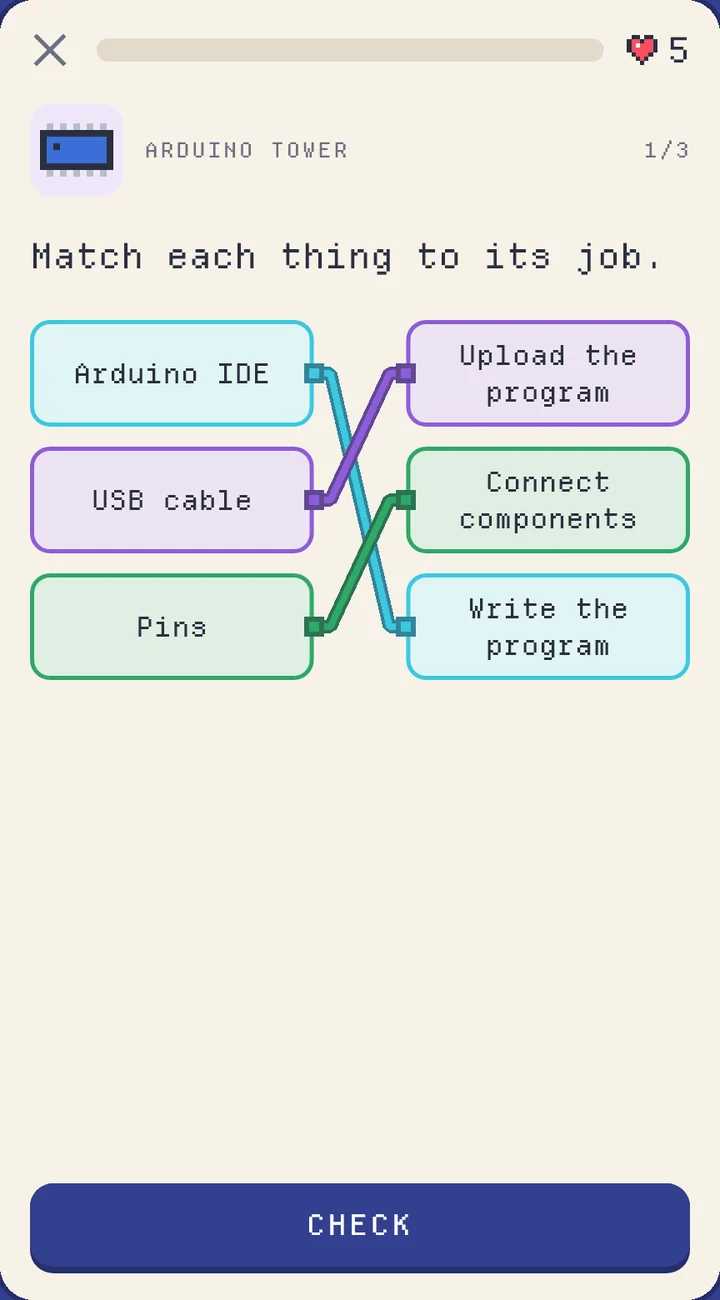
More than multiple choice
Match, calculate, pick a value. Whatever you get wrong comes back at the end of the lesson, so nothing gets left behind.
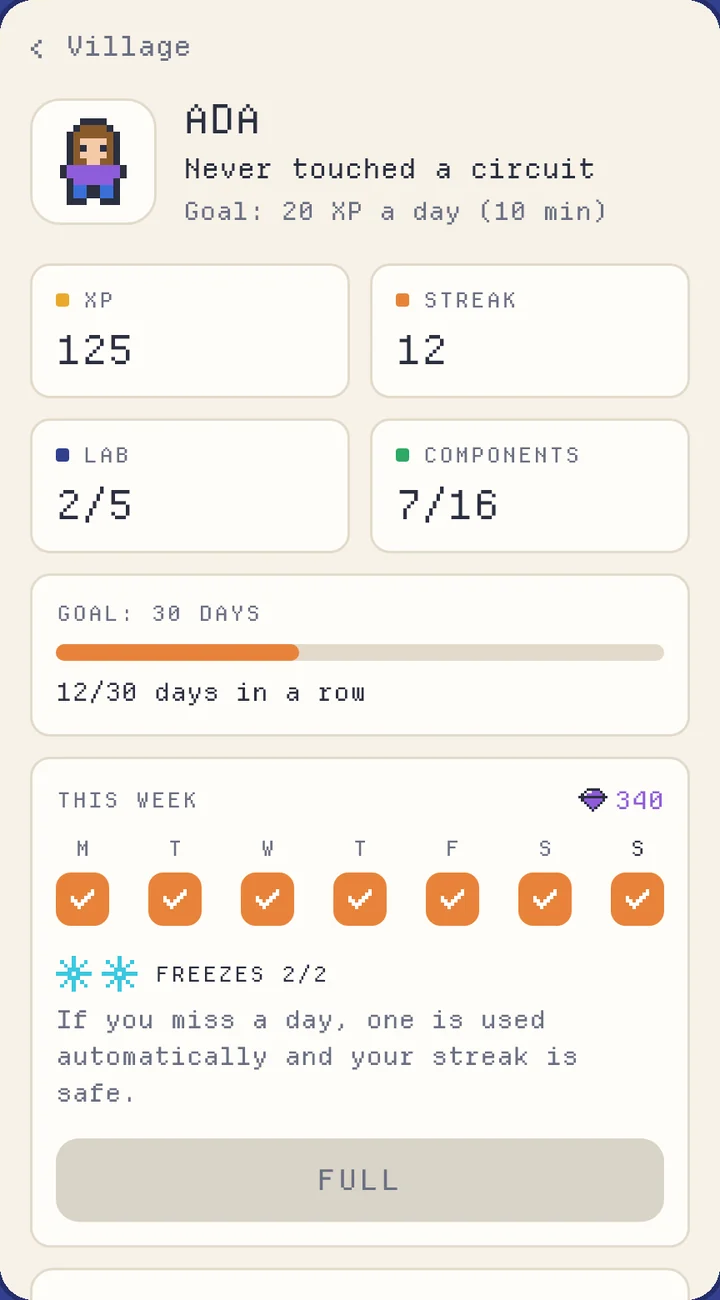
Screens from the app. Names and scores are examples.
The path
From your first circuit to a beginner Arduino course, one lab at a time
- labs
- 5
- lessons
- 15
- starter lesson of about 2 minutes
- +1
Lab 1
Electric Current Lab
- Open and closed circuits
- Voltage, current, resistance
- Batteries
Lab 2
Ohm's Workshop
- Ohm's law
- The color code
- Series and parallel
Lab 3
LED Greenhouse
- Anode and cathode
- Calculating the resistor value
- An LED on the breadboard
Lab 4
Arduino Tower
- The microcontroller
- Digital pins, setup and loop
- Blink
Lab 5
Sensor Observatory
- Button and pull-up
- Potentiometer and analogRead
- map() on an LED
Sticking with it
A reason to come back tomorrow
Electronics sinks in a little at a time. The game is built to make exactly that happen.
Daily streak
One lesson a day and your streak grows. Miss a day and a freeze saves it automatically: you start with two.
Missions
Three a day, sized to the minutes you picked. Finish them all and you open a chest of gems.
Weekly leagues
Groups of up to 30 people, starting over every Monday. The top climb, the bottom drop. Leagues are for people with an account, and you can always hide from the leaderboard.
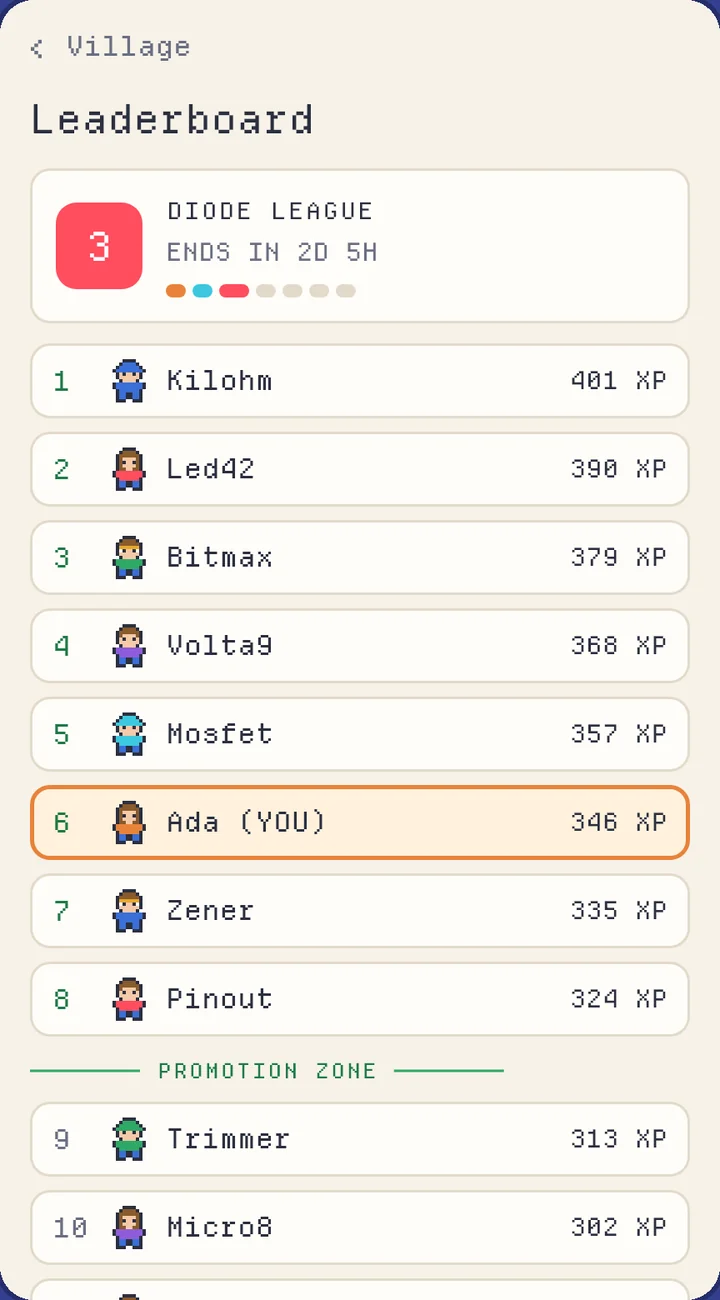
The seven leagues, first to last
- 1 RESISTOR
- 2 CAPACITOR
- 3 DIODE
- 4 TRANSISTOR
- 5 CHIP
- 6 PROCESSOR
- 7 QUBIT
Questions
Before you ask
Is it free?
You can play the lessons without paying. Each mistake costs a heart, and hearts refill over time, one every 4 hours. An optional subscription and optional videos may come later: the lessons stay playable without them.
Do I need any experience?
No, you start with the simplest circuit there is. Labs open one after another: if you already know something, that part will be a quick review.
Do I have to buy parts or an Arduino board?
No, you learn everything in the app: circuits, math and code. The circuits you see could really be built, so the day you want to move to a workbench, you'll know where to start.
When is it coming out?
There's no date yet. First comes the Android test, then publication on Google Play. For now it's Android only, in English and Italian.
How old do I have to be?
16 or older. The tone is for curious adults, not for kids.
What data do you collect? Can I delete it?
You can play as a guest, with no email. If you want your progress on another phone, you can create an account. The details are in the privacy policy. You can delete your account whenever you like, from the app or from this page.
The Android test
We're looking for our first testers.
Testing starts soon. Before publishing, Google Play asks for at least 12 people over 14 days. They could be the first 12 who read this page.
12people
14days
What you get
- You play before release, with every lesson.
- You talk directly to the person writing the game, and what you report can change it.
What we ask
- An Android phone, a Google account, and being at least 16.
- Keeping the app installed for 14 days and playing when you feel like it.
- Telling us what's broken or confusing.
This opens a ready-made email. We'll reply with instructions and ask for your Google account address, which Google Play needs to give you access to the test.
Or write to info.voltvale@gmail.com
Arduino is a trademark of its respective owners. Voltvale is not affiliated with or endorsed by Arduino.